10% OFF!*
10% OFF!*

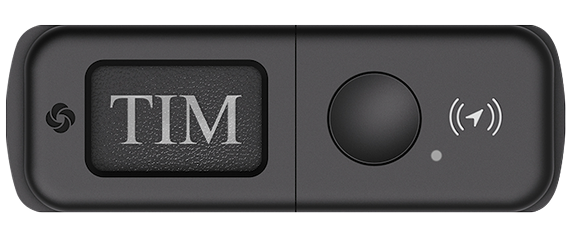
Waypoint™ is the next generation of smart connected travel with built-in findability.

Never lose sight of your luggage in your journeys ever again.



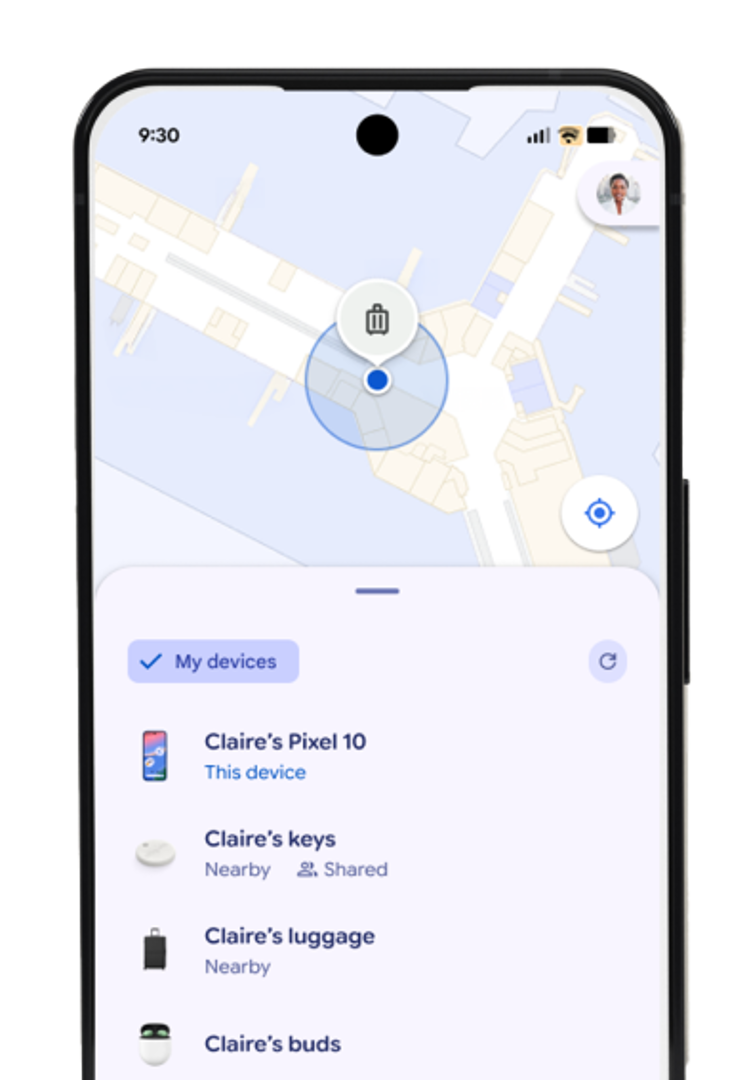
Map data ©2026 Google Maps Platform and Google’s Find Hub
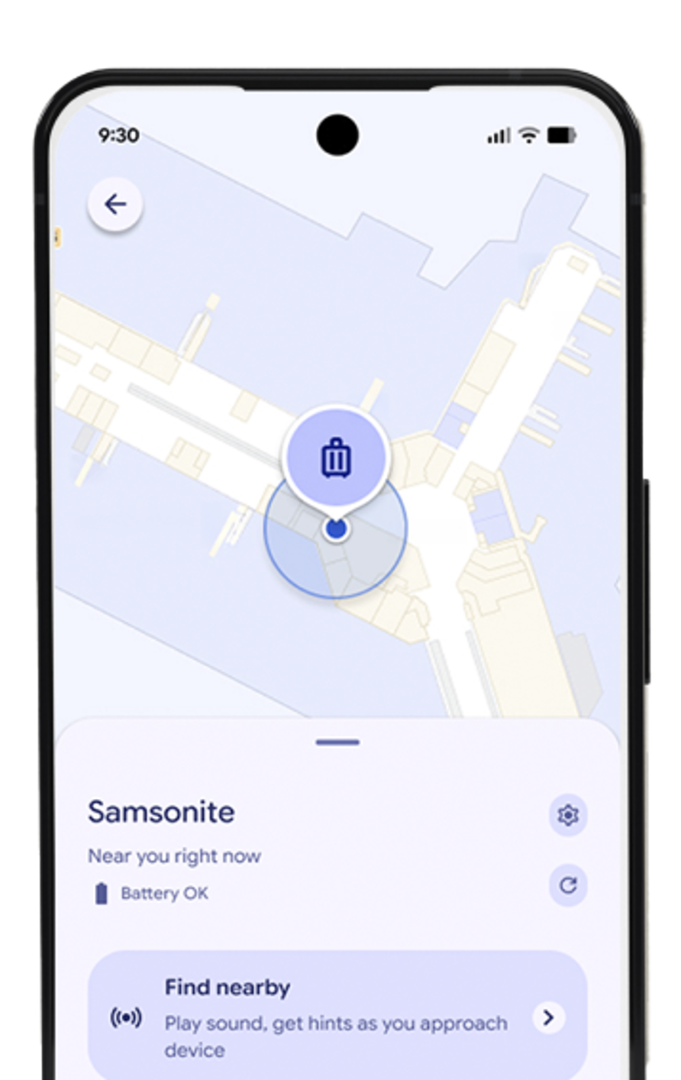
Map data ©2026 Google Maps Platform and Google’s Find Hub

*Only for Apple products

Map data ©2026 Google Maps Platform and Google’s Find Hub
Share your location with friends and family. You choose exactly who can see your location and can stop sharing anytime. Stay connected with friends and family in one place. You can also see their names, distance, and battery levels to make coordinating meetups easier .
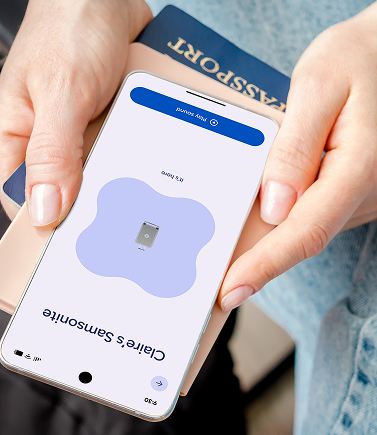
Map data ©2026 Google Maps Platform and Google’s Find Hub
If you lose an item, you can temporarily share the location with others to help you find it. Sharing automatically stops when you are reunited with your item and expires after seven days.
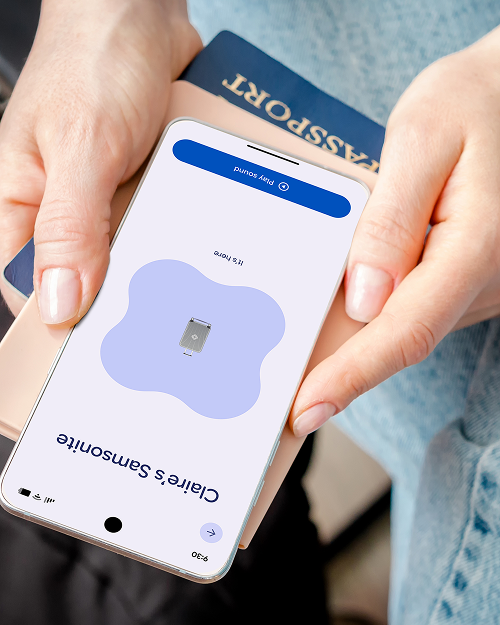
Map data ©2026 Google Maps Platform and Google’s Find Hub

If your device goes missing, you can put it in Lost Mode. That starts tracking its location, sends you a notification when it pings the network, and sets your passcode to protect your data. You can also let people know how to reach you. They can simply view your message on your device’s Lock Screen or tap your device with their smartphone to get your contact info.
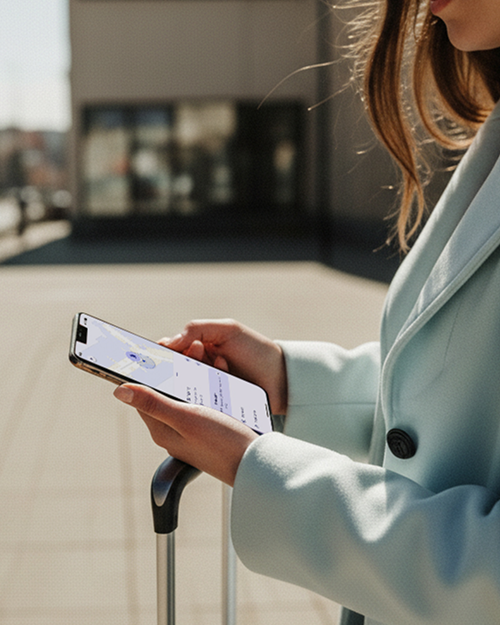
Map data ©2026 Google Maps Platform and Google’s Find Hub
Samsonite has no access to your personal information or location data. Apple and Google's encrypted networks ensure your data and location is securely stored, private, and confidential. Only you can see where your device is, unless you share it with a friend.
Map data ©2026 Google Maps Platform and Google’s Find Hub
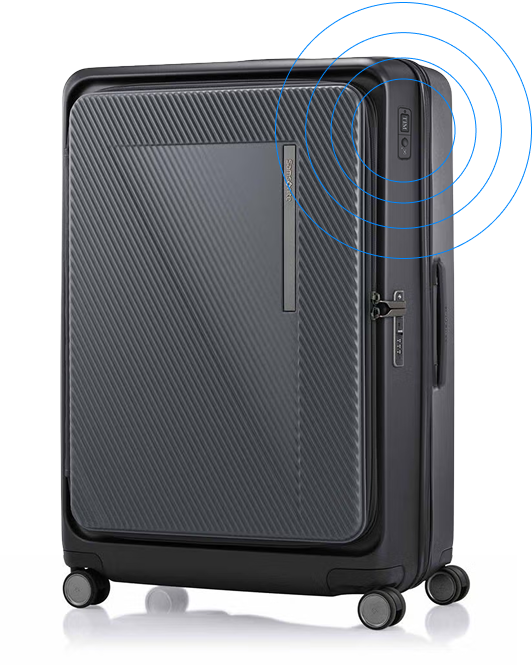
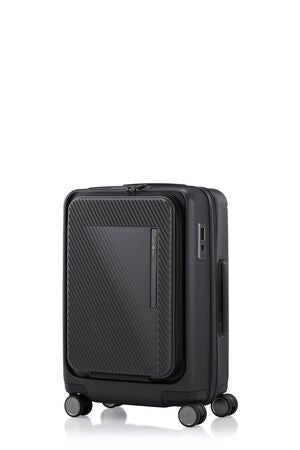
SP 55/20 EXP FT WAYPOINT™
Open up to a new world of travel possibilities with the hyper-versatile Zipprix FT collection. With an integrated Waypoint™ tag, unique flat-top opening structure, Zipprix FT makes packing and retrieving items easy and convenient even in small spaces like hotel rooms or train carriages.
BUY NOWPAIRING WITH YOUR ANDROID DEVICE
1. With your Samsonite Waypoint™ luggage and Android device in close proximity, tap Samsonite from the list in the pop-up notification
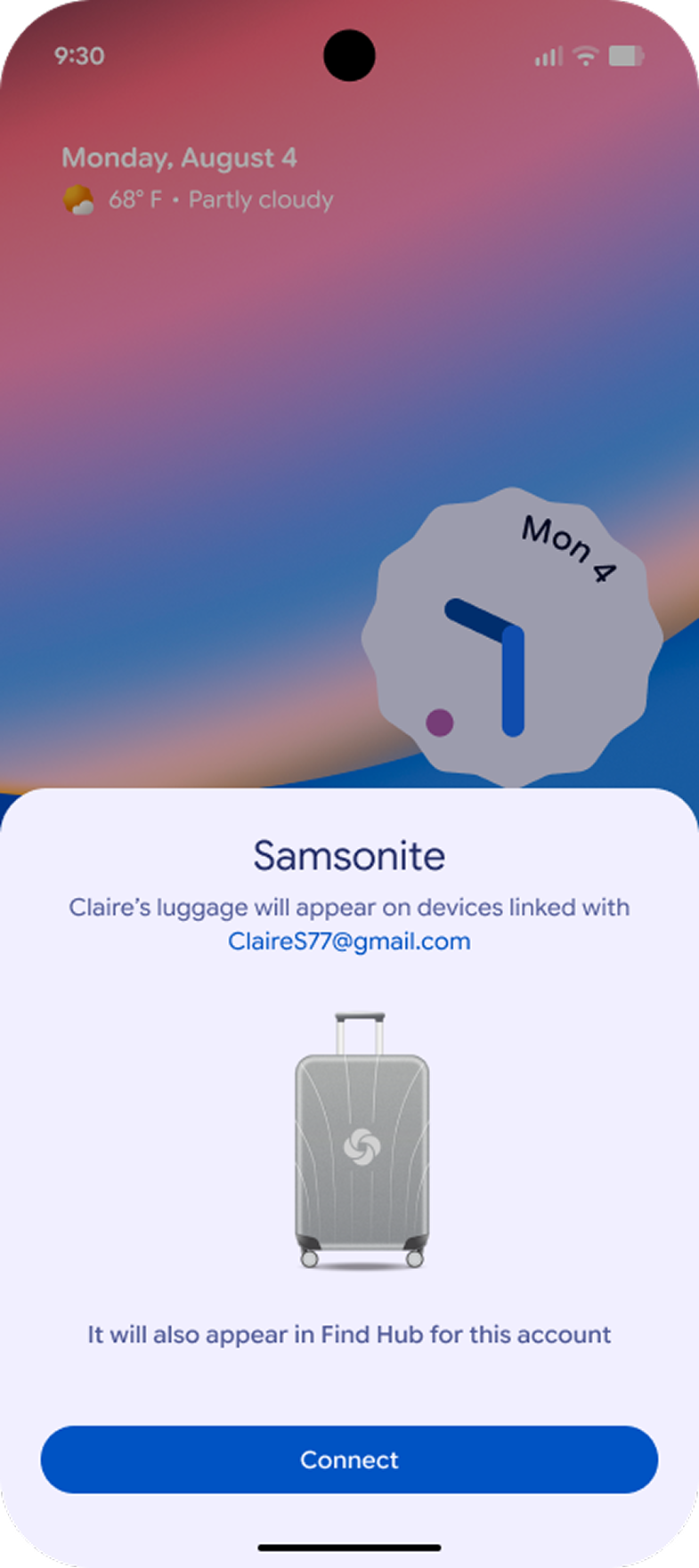
©2026 Google’s Find Hub
2. Tap Connect and follow the on-screen instructions
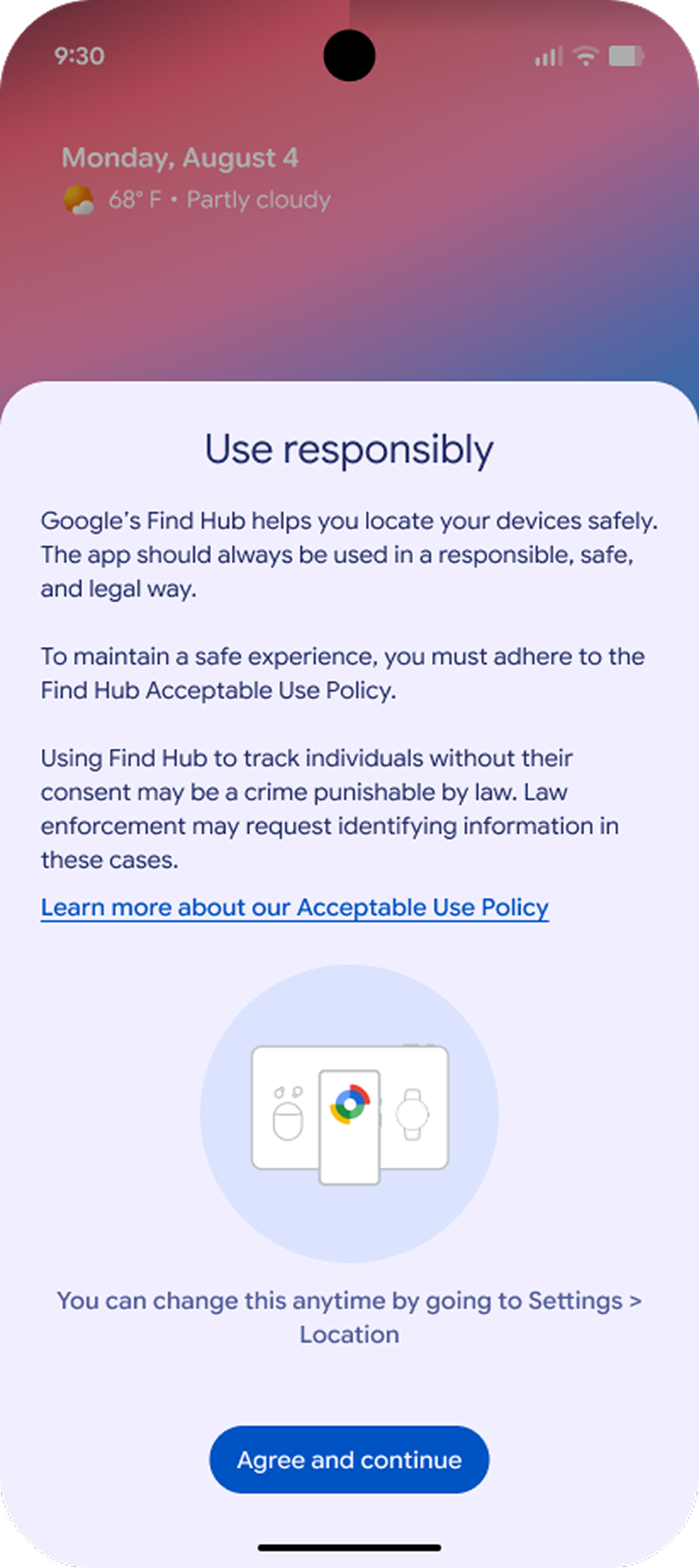
©2026 Google’s Find Hub
3. Read the terms and tap Agree and continue to complete the pairing
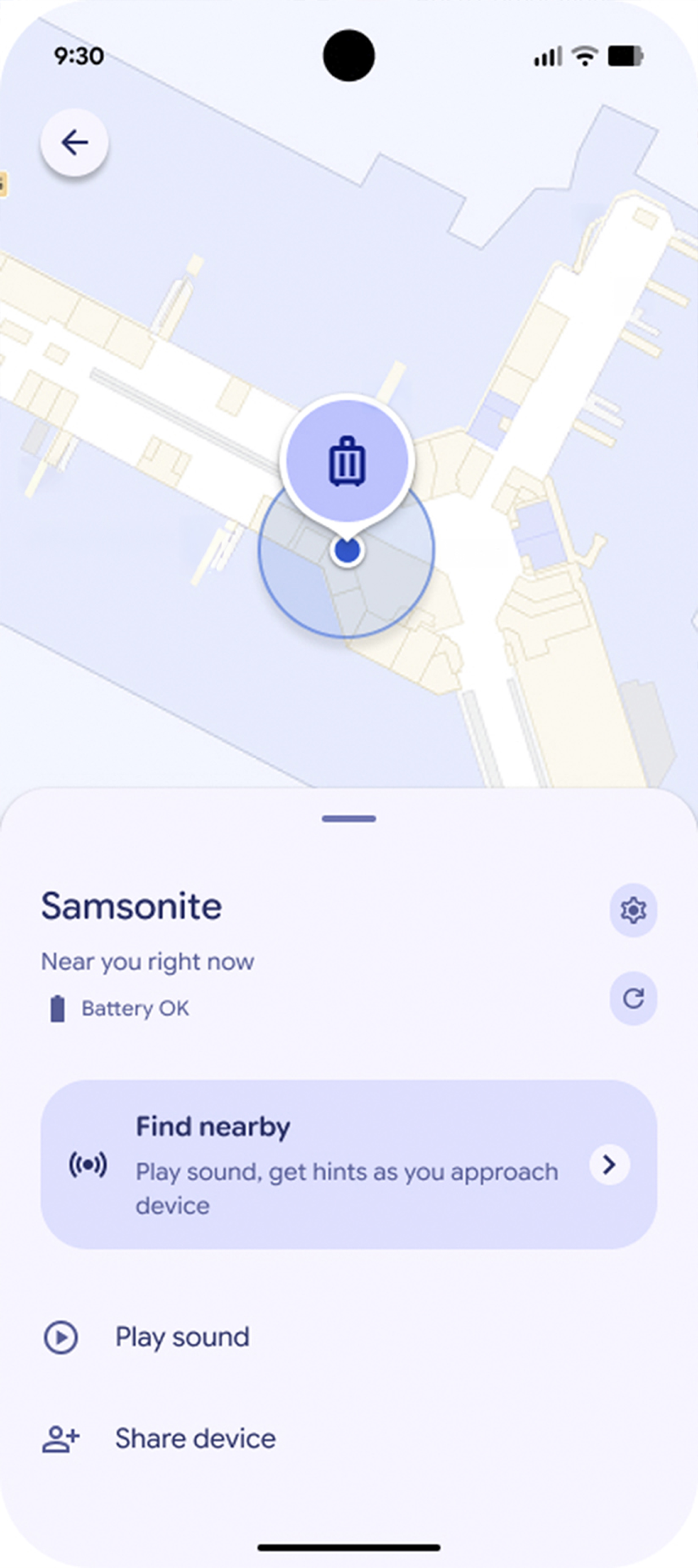
Map data ©2026 Google Maps Platform and Google’s Find Hub
4. Your Samsonite Waypoint™ luggage is now paired and ready for tracking with the Google’s Find Hub app
Download Android ManualPAIRING WITH YOUR APPLE DEVICE
1. Open your Find My app
2. Tap on the Items tab
3. Tap on the ‘+’ icon and select Add Other Item from the list
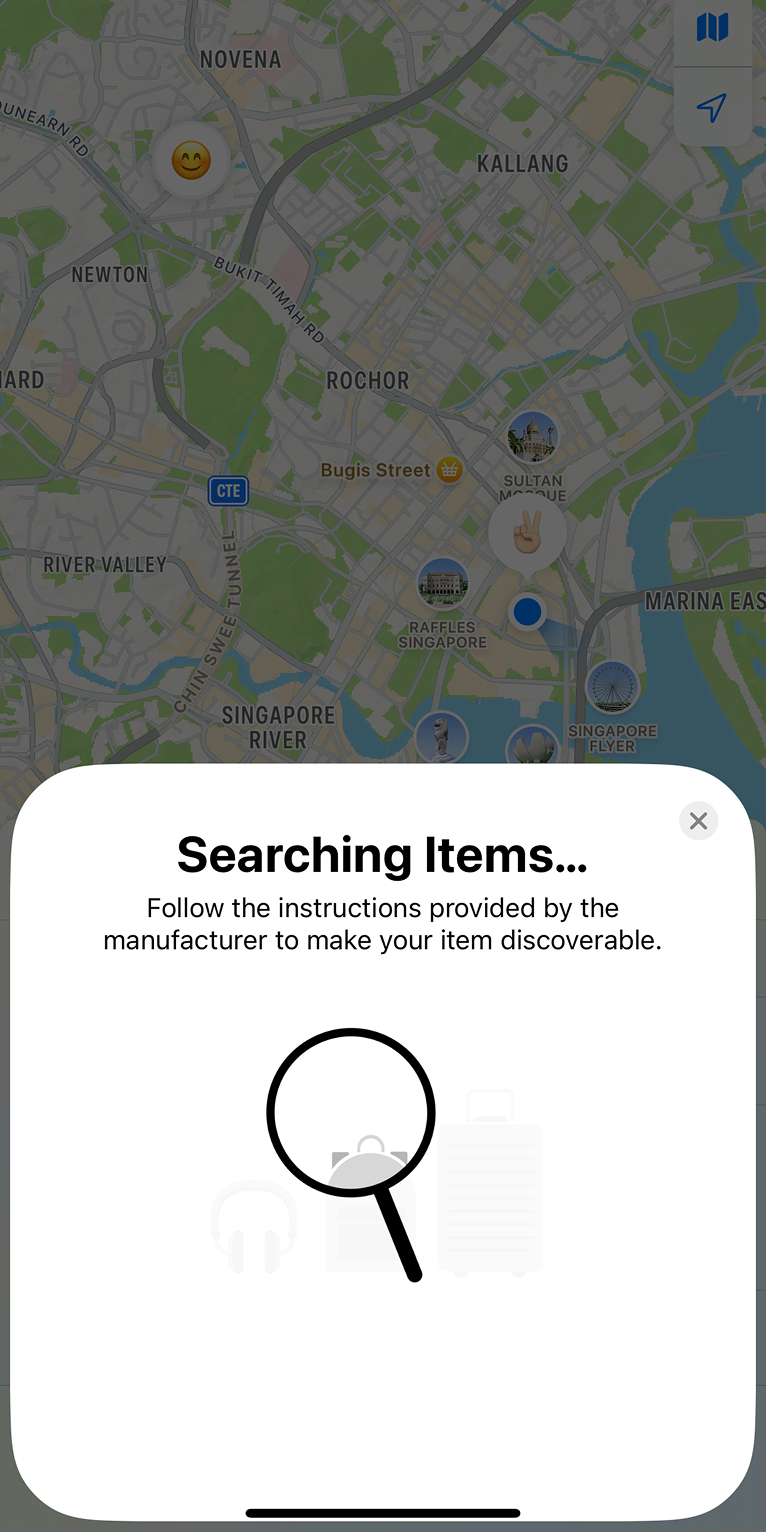
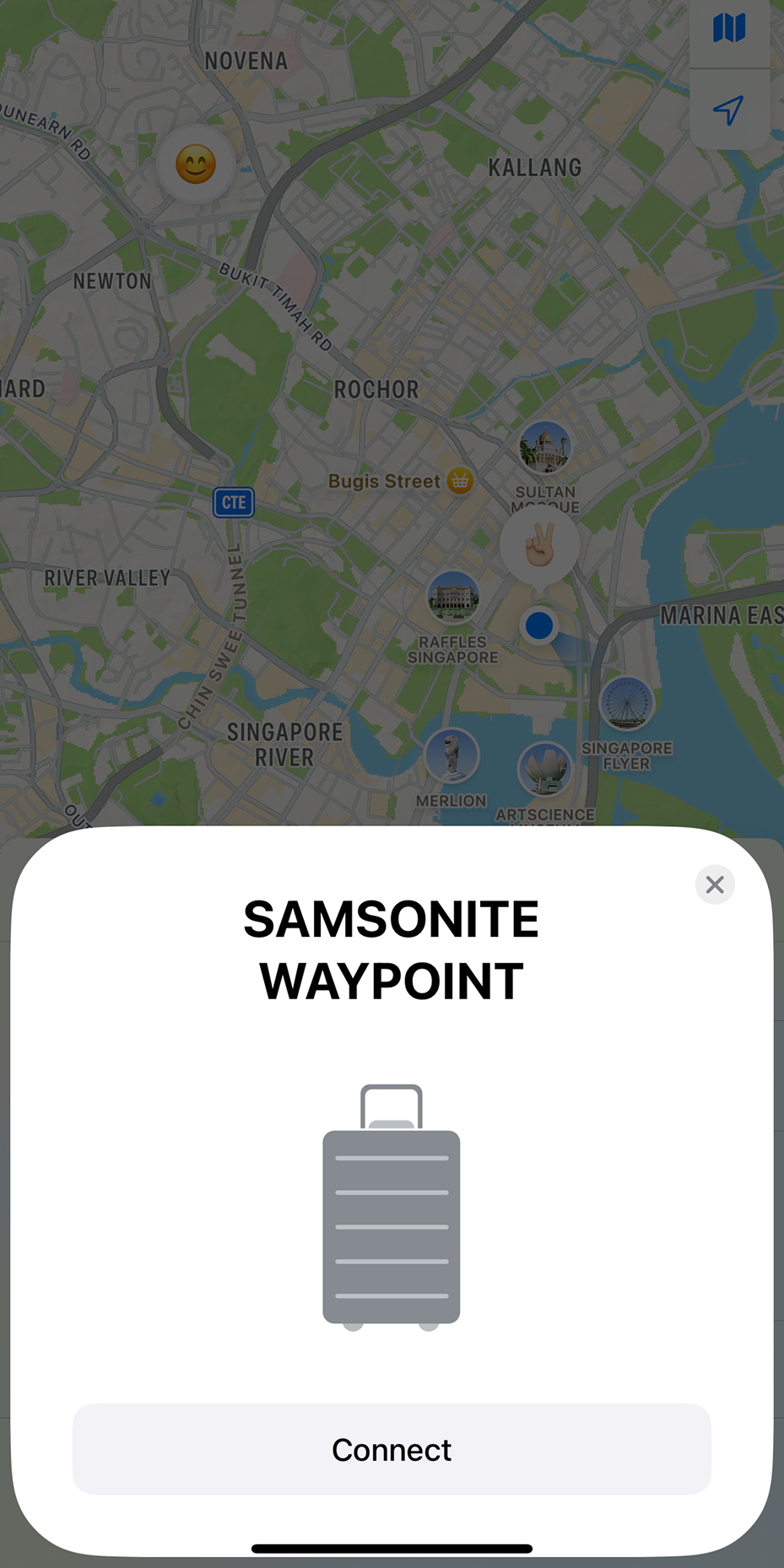
4. Wait for the app to search for your Samsonite Waypoint™
5. Tap Connect
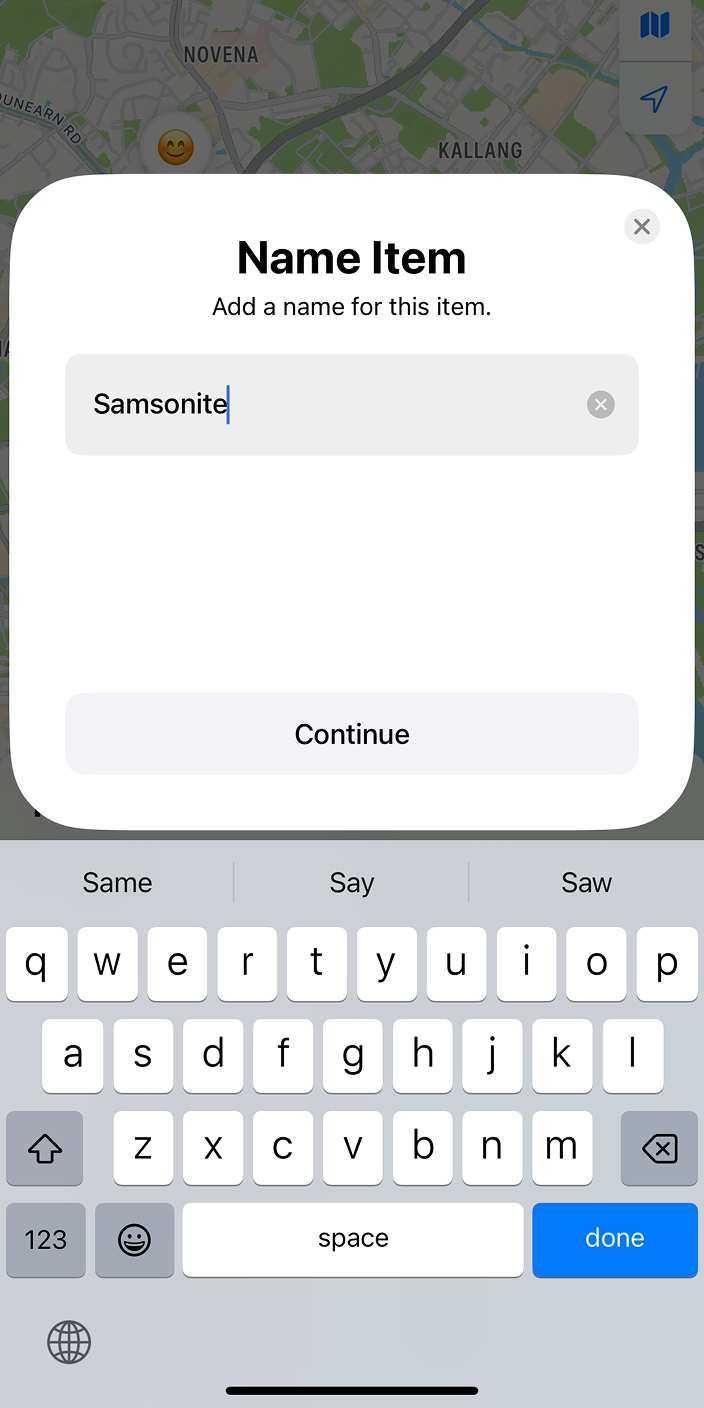
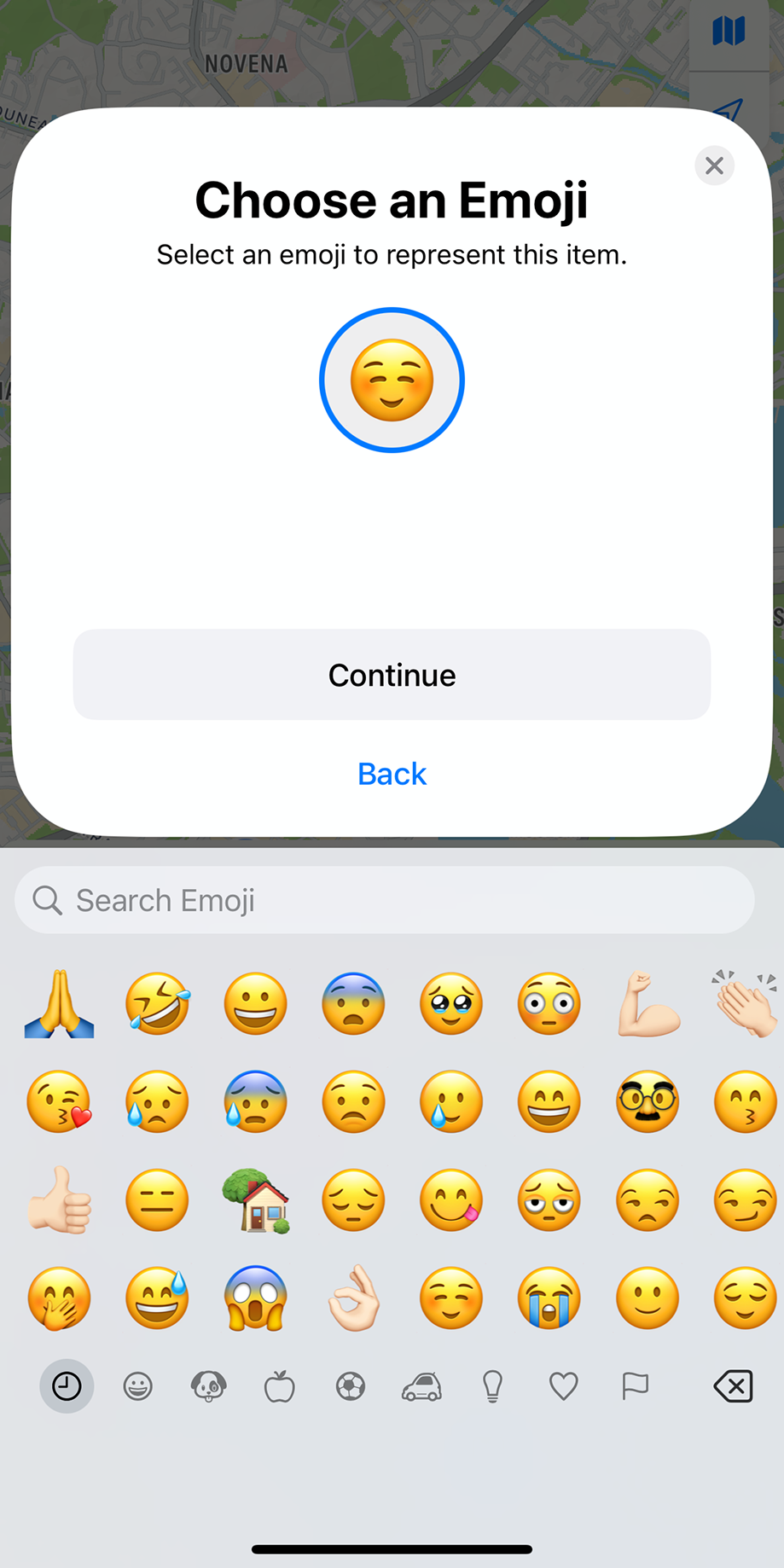
6. Label the item and assign an emoji
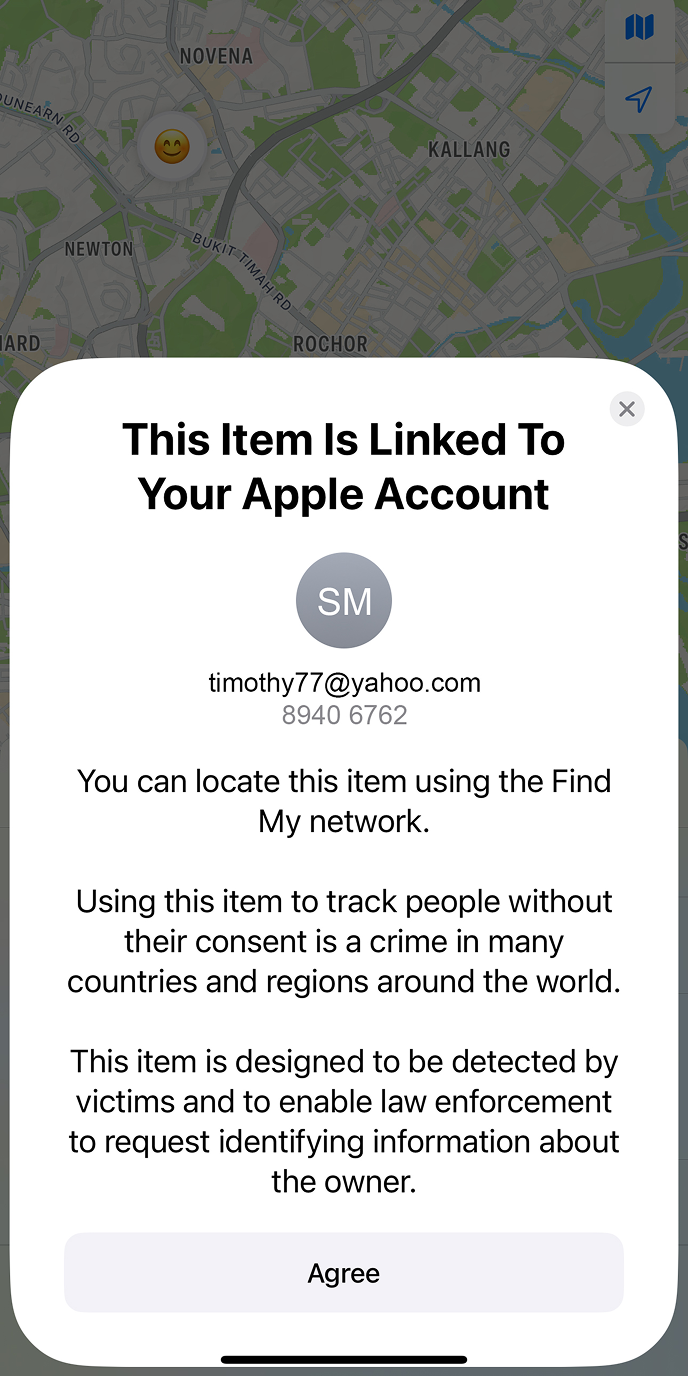
7. Read the terms and tap Agree to complete the pairing
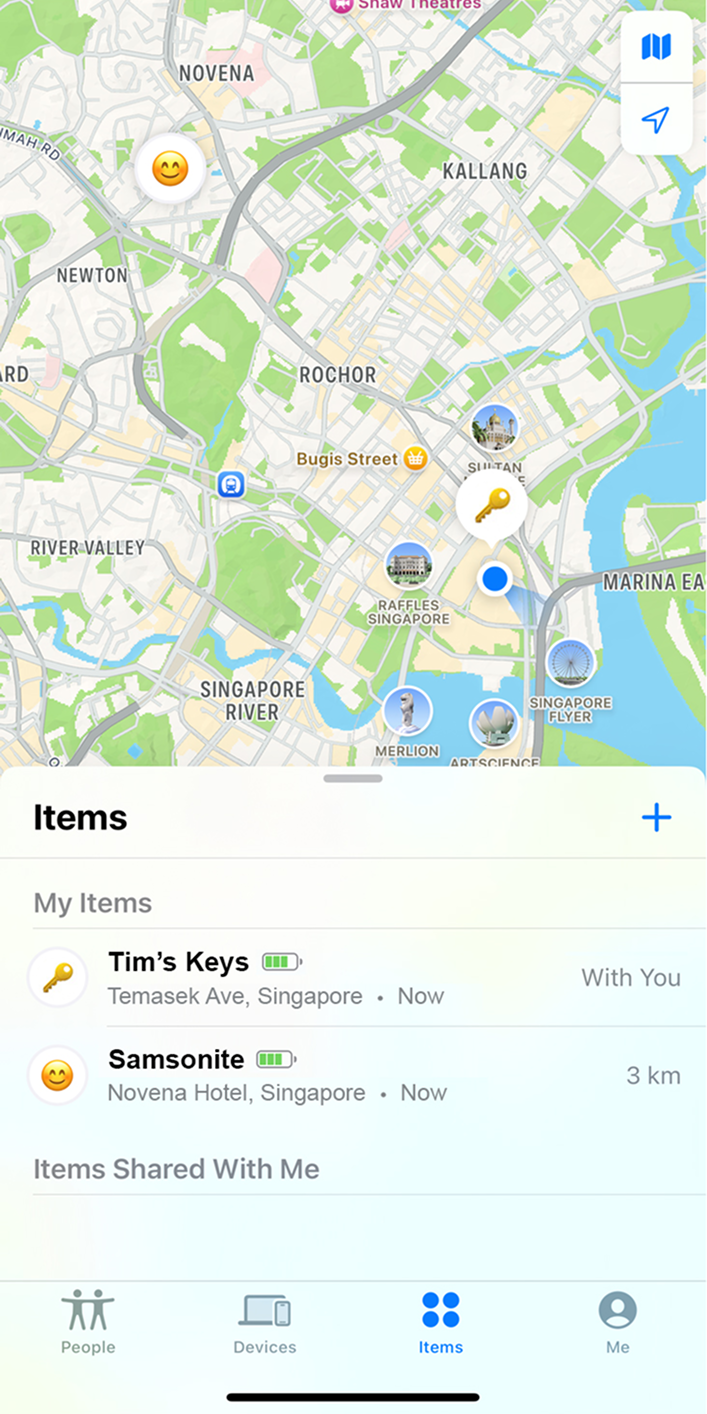
8. Your Samsonite Waypoint™ luggage is now paired and ready for tracking with the Find My app
Download Apple Manual